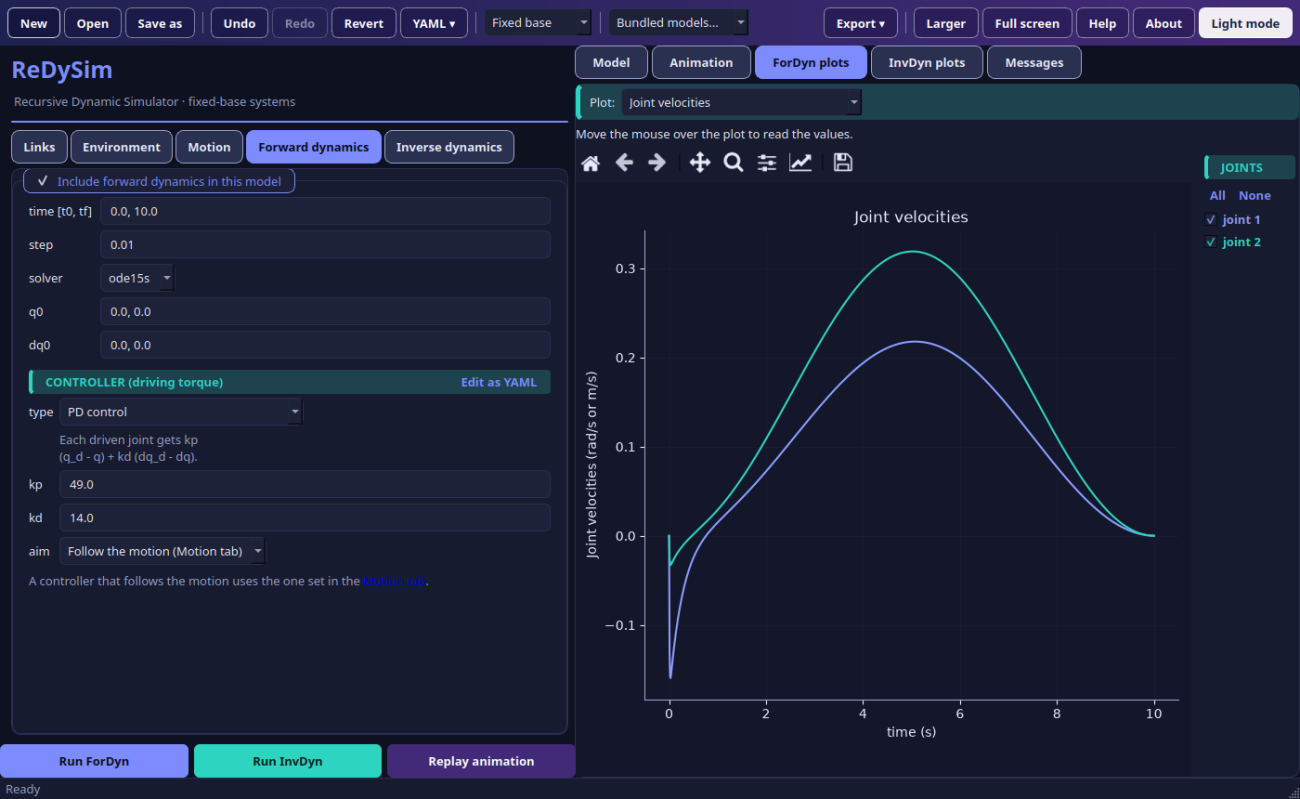
Dark mode (toolbar, or Ctrl+D) switches the whole window, the plots and the animation.
While the dark theme is on, the button reads Light mode and switches back. The button looks
like the theme it will switch to: a dark button for dark mode, a light one for light mode.
The first time, the program follows your system's light or dark setting.
Larger (in the toolbar) makes all the text bigger, for a projector or a small screen.
The program remembers, between sessions: the theme, the text size, the window size and the
position of the divider, the last robot you opened and the last folder you used. To reset
them, delete the settings: on Linux the file ~/.config/ReDySim/TeachingGUI.conf, on Windows
the registry key HKEY_CURRENT_USER\Software\ReDySim\TeachingGUI, on macOS
~/Library/Preferences/com.ReDySim.TeachingGUI.plist.